Essay Agent Setup
Linear and Cursor Agent Integration for Issue-to-PR Workflows
Automating issue-to-PR work requires bounded tasks and human review to stay productive.
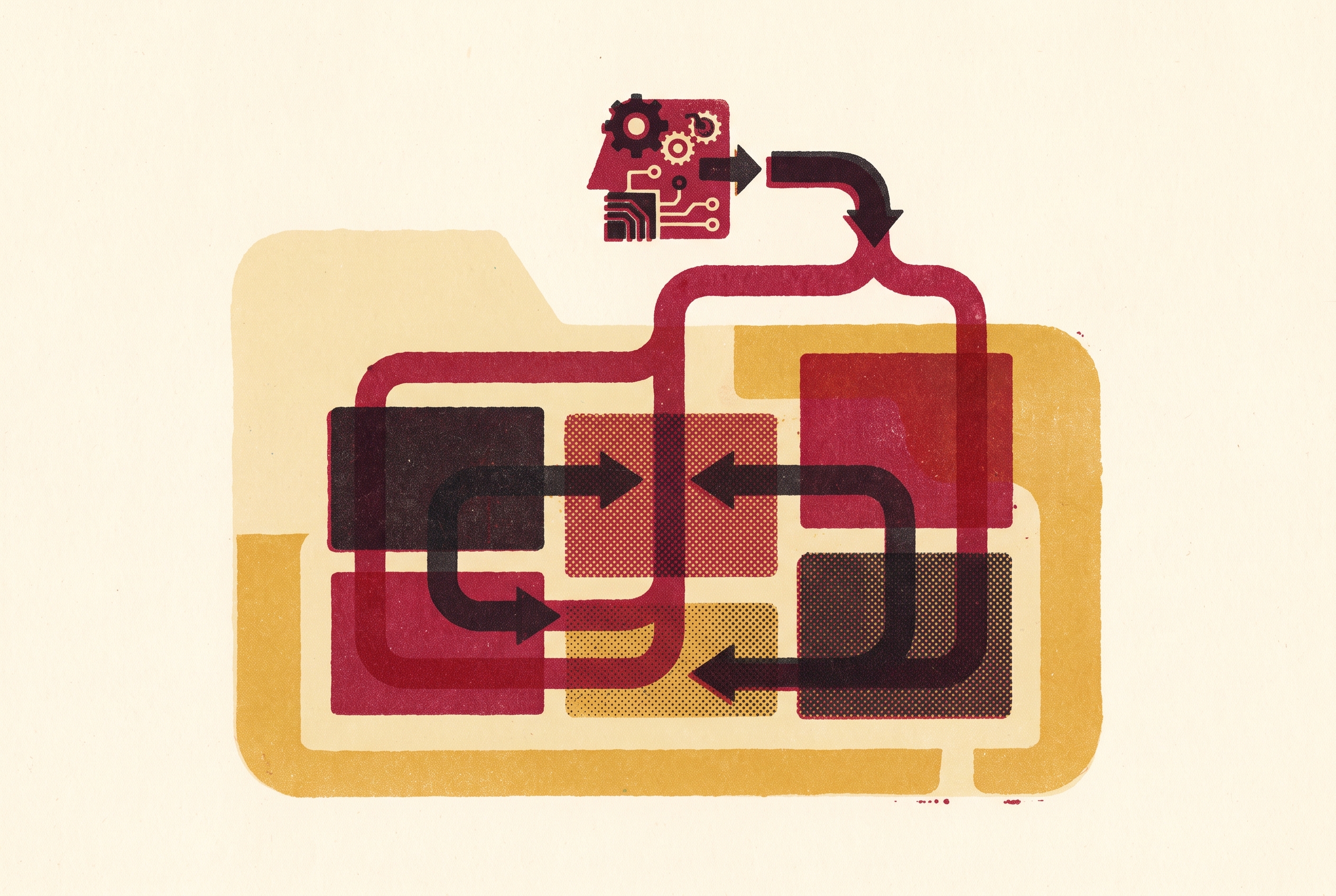
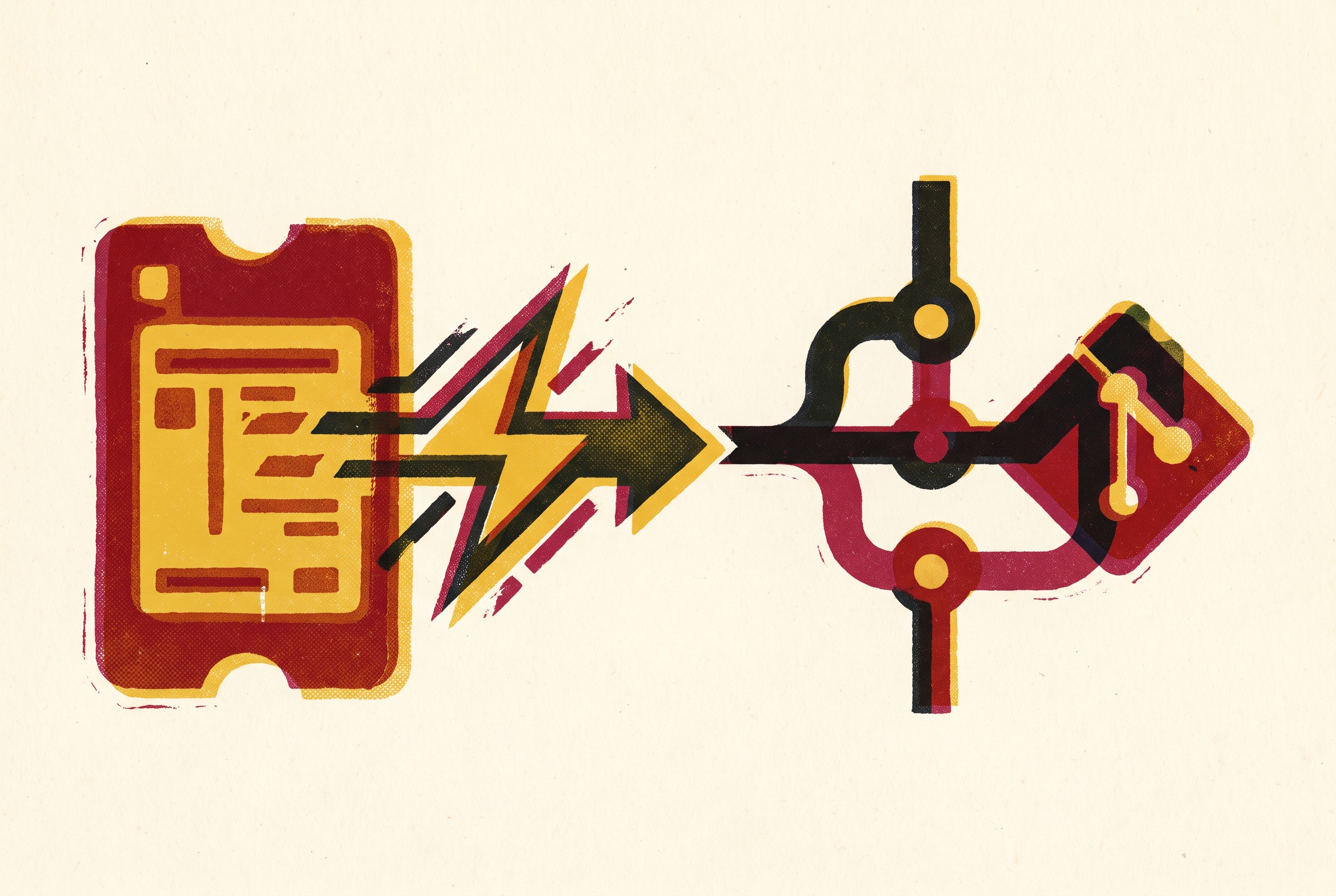
The Cursor–Linear integration turns a delegated issue into a background coding session and returns a draft pull request to the issue. Its value depends on how well teams control the steps between those endpoints. Complete context, repository-level instructions, bounded tasks, and review make issue-to-PR delivery productive, while automation extends the workflow without removing the need for oversight.
What the Cursor–Linear integration actually does
Cursor 1.5, released August 21, 2025, made Linear delegation its main new feature. A team can start a background agent through an @Cursor mention or direct assignment from a Linear issue. The agent is installed in the workspace as an app user and is available through the assignee field. Delegation preserves human ownership of the issue. Cursor becomes a contributor while the human teammate stays the primary assignee, and the team assigns the work in the same way it already knows.
When the session starts, the agent receives the issue description, project description, and human-authored replies inside comment threads. That payload is not the entire issue history. Top-level comments are excluded, a distinction that becomes important when implementation plans live in comments. The agent then produces a branch, code changes, and a draft pull request. On completion, it posts the PR link back to the Linear issue and updates the issue status automatically.
Where the Cursor–Linear path sits among five ways to run agents from Linear issues
As of October 2026, teams have five distinct routes for running coding agents from Linear issues. The simplest is to open an issue directly in a coding tool such as Cursor and work locally. A second route gives an agent read and write access to Linear through the hosted MCP server, providing a programmatic connection. Native delegation is the third route. It sends the issue from Linear’s agent directory to a cloud agent such as Cursor.
The fourth route delegates to Linear itself. Linear Agent runs coding sessions through Claude Code or Codex in a managed sandbox, drafts a PR, and places the diff in the issue for review. This is a Basic/Business/Enterprise feature that draws from shared AI credits. The fifth route uses a label-driven harness to turn issues into workspaces set up for the agent on infrastructure that the team controls.
These routes differ in where work runs and how much control the team has over it. Native delegation is the most frictionless path for teams already using Cursor because it begins inside the issue’s existing workflow. That convenience is not the only selection criterion. The MCP server route and an Automations-based workflow offer more configurability for teams with established processes, while a label-driven harness places the infrastructure under team control.
How the agent's context window is assembled and where it falls short
The first practical constraint is the context boundary. The agent gets the issue and project descriptions, but the comment payload has replies inside threads and leaves out top-level comments. Cursor staff clarified this behavior in September 2026 after a user reported that a plan posted by Linear Loops was missing from a delegated session. The exclusion was not based on the comment’s author. Top-level comments from any author were absent from the injected context.
That distinction breaks a natural preparation workflow. Linear Loops, Linear’s automation layer, can post an implementation plan as a top-level comment, after which humans reply with approvals and clarifications. When the issue is delegated, those human replies can arrive without the plan they discuss. The agent thus gets pieces of the review but misses the instructions that were reviewed, including the plan’s file paths, constraints, and test requirements. The preparation work exists in Linear but does not reach the coding session.
Teams have two available ways around this gap. They can place the plan or critical context in the issue description, which is always injected, though this mixes generated content into the ticket body and disrupts review in the thread. Alternatively, they can enable the Linear MCP server for Cloud Agents and add an AGENTS.md rule requiring the agent to fetch the issue’s full comment thread first. Cursor staff suggested this second way in the same discussion. It retrieves context that automatic injection leaves out, rather than requiring the team to relocate that context.
How to guide the agent's behavior when the system prompt cannot be changed
Native delegation uses a hardcoded system prompt that cannot be overridden from Linear. A March 2026 user report reproduced the prompt as “You've been assigned to resolve a Linear issue. Carefully analyze the issue and solve it by responding or writing code. Below you'll find the issue context and message history. Be sure to run and test code if it helps with your task.” The inline [key=value] syntax accepts only repo, branch, and model.
AGENTS.md is the main way for teams to guide how the agent works within native delegation. Cloud Agents read these repository files and follow their instructions, so team-wide requirements belong there. Those requirements can specify required tests, PR template expectations, no direct pushes to main, MCP tool use, and scope constraints. Per-issue requirements can go in the issue description.
Teams that need full prompt control can instead use Automations with Linear triggers, including “Issue created”, “Status changed”, and “End of cycle”. That path allows control over the prompt, MCP tools, and scoping, but it changes what starts the work. Lifecycle events replace the native assignment or @Cursor gesture. Cursor staff acknowledged custom prompts per integration source as a valid feature request, but the available choice is between repository instructions within delegation and a separately configured event-driven workflow.
When the session starts, the agent receives the issue description, project description, and human-authored replies inside comment threads.
What Cursor Automations add to the pipeline beyond manual delegation
Automations move the starting point from a person’s delegation to an issue lifecycle event. An issue being created, changing status, or reaching the end of a cycle can trigger work without someone assigning the agent. This distinction shapes automated triage and auto-fix pipelines. The trigger expresses when the workflow should run, while the configurable prompt defines what the agent should do.
Cursor 3.8, released June 18, 2026, added five GitHub triggers that extend automation into the review loop. These were issue comment, PR review comment, PR review submitted, review thread updated, and workflow run completed. Cursor’s August 19, 2026 changelog added event-driven subscriptions, isolated subagent virtual machines, and a /goal command for multi-session tasks. A cloud agent can then watch a GitHub PR thread or Slack channel and start working again on its own when something happens. The person no longer has to poll for each new event and restart the work.
The Origin App Marketplace, launched October 13, 2026, broadens that workflow beyond issue tracking and code review. Cursor’s changelog describes connections between repositories and integrations including Linear and Cloudflare. An agent can update a Linear ticket when a fix ships or adjust a Cloudflare configuration during a deployment task. This expands the action surface beyond a pull request. It also makes review of external actions part of the workflow’s governance.
Scope creep and the agent behavior problem that discipline alone cannot fully solve
The most significant practical failure mode is scope creep. Even when an issue has clear limits, an agent can change unrelated files, remove comments, reformat code, or fix nearby problems. A July 2026 user bug report described this behavior after an @cursor delegation from Linear requested a copy-to-clipboard button in a single component. The cloud agent modified a large number of files and resolved issues outside the request. The user reported that the behavior had worsened over time without changes on their end.
The agent’s optimizer has no strong prior favoring minimal changes, so a local improvement can become an invitation to expand the task. The related Composer plan-adherence problem takes the form of diff scope drift and contradictory cross-file edits. Scope instructions can constrain the session, but they do not make the resulting patch self-validating.
Architecture changes and cross-service contracts rely on assumptions that the team may know but the codebase may leave out, so a fix that makes sense in one place can break what another service expects. Vague feature requests create a different problem. They send the agent exploring before it guesses what the result should be, and both steps use credits. In both cases, the agent has to work out the missing boundaries for itself before it can work within them.
How teams use the workflow successfully despite its failure modes
Tasks with clear scope that stand on their own can still work well with issue-to-PR automation. They have clear boundaries, touch few files, avoid assumptions about other services, and spell out which tests are required. Cursor’s own team reports using the workflow for thousands of issues, with many resolved on the first attempt as “one-shots”. That report supports the workflow’s potential for prepared tasks. It does not remove the need to inspect what each session produces.
The practical response is to encode constraints before delegation and review the diff afterward. Teams should never auto-merge agent PRs, even ones that seem trivial, because small tasks can make review feel least needed even when scope creep is a risk. Adjacent-file edits deserve particular attention. The agent may change files “while it's in there”, and the PR diff is the check against that expansion. Review therefore needs to cover the patch’s boundaries as well as whether the requested change works.
Rules set at the repository level mean teams have less to correct over and over. Required tests, no-direct-push-to-main rules, and PR template expectations in AGENTS.md apply across sessions rather than depending on each issue author to restate them. Meanwhile, progress stays synchronized across Linear, the Cursor web app, and the local IDE. Developers can check in from the tool at hand.
Security exposure the workflow introduces when agents act across integrations
The same connections that make the workflow useful also expose it to untrusted instructions. The content of a Linear issue comes from outside the instructions that govern the agent, as do Slack messages and search results fetched through MCP servers. Any of these can contain prompt injection. When connected tools have write access, the concern extends beyond an incorrect answer or an oversized diff to actions in external services. A marketplace of integrations also introduces an audit and accountability gap that current tooling does not fully close.
AIM Security disclosed CVE-2025-54135, known as “CurXecute”, involving poisoned content in Slack messages summarized by Cursor’s agent. That content could cause the agent to rewrite the MCP configuration file and auto-launch rogue servers. The vulnerability was patched, but the way the workflow is built still leaves it open to attacks. Information retrieved to help with a task can contain instructions intended to redirect the agent, so fixing a particular exploit does not make all retrieved content trustworthy.
A 2026 user feature request identified the audit requirement precisely. A trail must prove not only that an action was approved and executed, but that the executed action was exactly the one approved. Current tooling does not fully satisfy that requirement.
For teams operating this workflow, the practical posture is to treat issue content as untrusted before it reaches an agent, particularly when MCP servers can write to external services. Teams should check which integrations an agent can use before giving it more access through a marketplace such as Origin. Teams need to review actions that an agent takes in external services as carefully as they review the PR itself. The issue-to-PR loop closes operationally when the result returns to Linear, but accountability extends to every connected service the agent can change.
Notes
- Linear integration: comments authored by Linear Agent (Loops) are excluded from the Cloud Agent's context - Feature Requests - Cursor - Community Forum
Provided the detail that top-level comments from any author are excluded from the injected context, including the specific case of Linear Loops plans.
- Can't customize Prompt for Linear agent - Help - Cursor - Community Forum
Provided the verbatim hardcoded system prompt text and the finding that only repo, branch, and model inline keys are accepted.
- Improvements to Cursor Automations · Cursor
Provided the list of five GitHub triggers added in the June 18, 2026 Cursor 3.8 release that extend automation into the review loop.
- Linear integration, improved Agent terminal, and OS notifications · Cursor
Provided the release date and details of Cursor 1.5, which made Linear delegation its main new feature including the @Cursor mention and assignee-field mechanism.
- Cursor Integration
Provided the description of how the agent is installed as an app user and how delegation preserves human ownership of the issue.
- [Feature] Linear integration: 2-stage agent clarification before jumping into implementation - Feature Requests - Cursor - Community Forum
Provided the user feature request identifying vague tasks as causing the agent to explore before guessing the intended result.
- Overeager Coding Agents: Measuring Out-of-Scope Actions on Benign Tasks
Provided research context on scope creep behavior where agents modify unrelated files and expand task boundaries beyond what was requested.
- AgentGuard: Learning Execution Guardrails from Anomalous Coding-Agent Trajectories
Provided research context on prompt injection risks when agents retrieve content from external sources through MCP servers that can contain redirecting instructions.